Share Your Indoor Air Quality Data Publicly on the Global Indoor Air Quality Map
Share Your Indoor Air Quality Data Publicly on the Global Indoor Air Quality Map
You can choose to share data from an indoor AirGradient device for research. When enabled, the privacy-protected data becomes available through the AirGradient public Indoor Data Map and API.
Indoor data sharing is optional. It can be enabled while adding a monitor to the AirGradient Dashboard or later from the Data Sharing settings.
Before you share
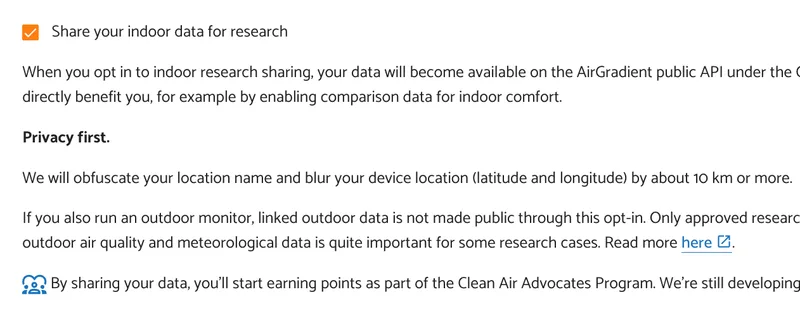
AirGradient applies privacy protections before indoor data is made public:
- latitude and longitude are blurred by approximately 10 km or more
- usernames, email addresses, and exact addresses are not included
For complete details, see Data Obfuscation for Indoor Data Sharing.
Option 1: Enable indoor sharing during onboarding
When adding an indoor monitor to the dashboard:
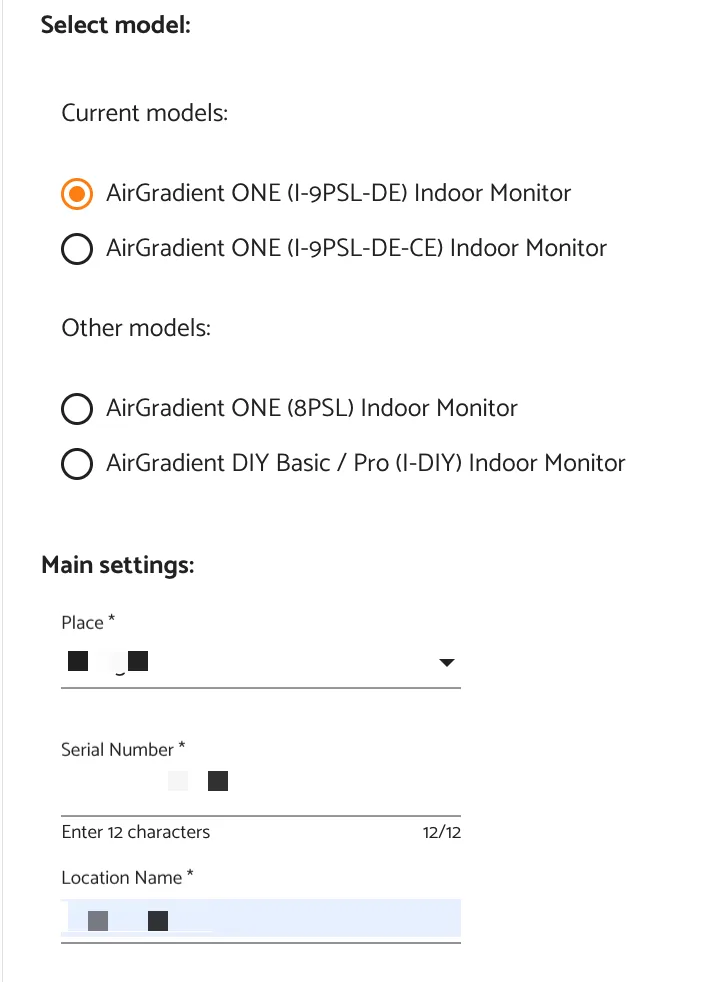
- Add the monitor by selecting its model, entering the serial number, and Location name.
- Check Share your indoor data for research.
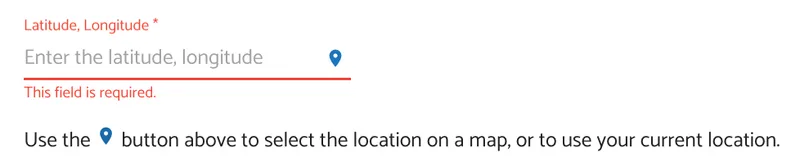
- Find your coordinates using the location picker:
- Tap the location pin beside Latitude, Longitude.
- Use your current location or place the pin manually on the map.
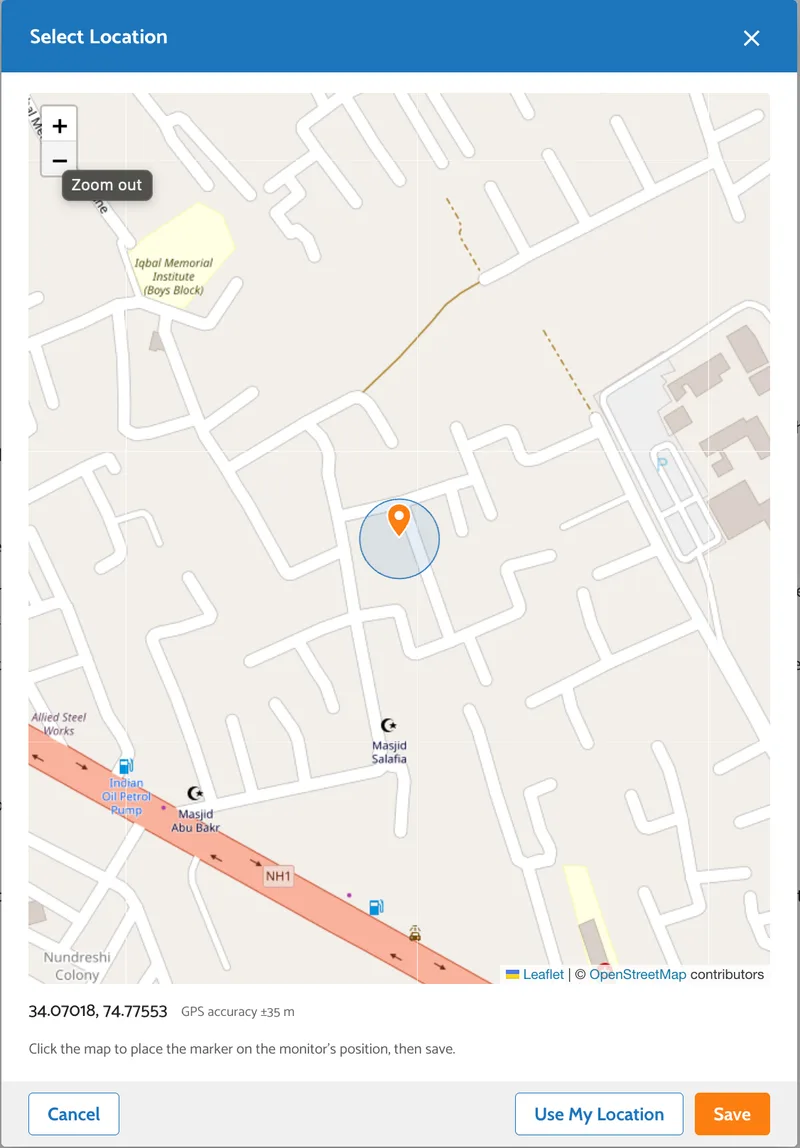
Confirm the selected location by tapping Save.
Alternatively, you can also enter the latitude and longitude manually from Google Maps:
Open Google Maps.
Right-click on the monitor’s location.
Copy the coordinates shown in the menu.
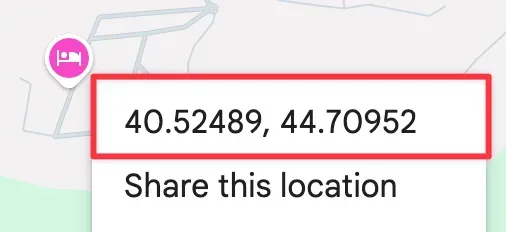
Paste them into the location coordinates field in the AirGradient dashboard.
Example format:
40.1792, 44.4991
- Continue the onboarding process and add the monitor.
Option 2: Enable indoor sharing for an existing Location
If the monitor has already been added to the Dashboard:
- Open the AirGradient Dashboard.
- Open Locations.
- Select Admin for the indoor location.
- Select Edit Location.
- Open Data Sharing.
- Check Share your indoor data for research.
- Repeat from Step 3 above in Option 1: Enable indoor sharing during onboarding.
What happens after you enable sharing
The indoor location's privacy-protected measurements and metadata can be accessed through the public Indoor Data Map and API.
To understand what the API provides and how the dataset can be used, see Access AirGradient's Open Indoor Air Quality Data.
Stop sharing indoor data
To stop future sharing:
- Open the indoor Location's Edit Location page.
- Open Data Sharing.
- Clear Share your indoor data for research.
- Save the changes.