AirGradient Go: Battery Life and Care
AirGradient Go: Battery Life and Care
What affects battery life
Battery use depends on:
- operating mode
- measurement interval
- GPS mode
- route tracking/GPS use
- Bluetooth or WiFi connection state
- display and LED brightness settings
- temperature and charging conditions
Shorter measurement intervals, GPS use, active route tracking, and brighter LEDs can reduce battery runtime.
For an explanation of the battery icons shown on the monitor, see AirGradient Go: Display Icons and Status Indicators.
For charging and power-off details, see Charge and Power Off AirGradient Go.
Settings that affect battery use
| Setting | Battery effect |
|---|---|
| Measurement interval | Shorter intervals take readings more often and can use more battery. |
| GPS Mode: Always Off | Uses least battery because GPS is not active. |
| GPS Mode: On When Tracking | Uses GPS while only route tracking is active, thus extending battery life. |
| GPS Mode: Always On | Keeps GPS available all the time often and will use more battery. |
| Operating mode: Portable | Uses Bluetooth for the phone connection. |
| Operating mode: Stationary | Uses WiFi for fixed-location use. |
| Operating mode: Offline / Airplane Mode | Does not use active Bluetooth or WiFi data streaming. |
| Back AQI LED brightness | Higher brightness can use more battery. |
| Touch LED intensity | Higher intensity can use more battery. |
For settings details, see AirGradient Go: Settings.
How to extend battery life
To reduce battery use:
- Use a longer measurement interval when you do not need very frequent updates.
- Set GPS Mode to On When Tracking or Always Off if you do not need continuous GPS.
- Stop route tracking when you are finished.
- Reduce the LED brightness or turn off completely.
Battery protection
AirGradient Go will shut down to protect the battery when the battery voltage stays below 2.9 V while running on battery.
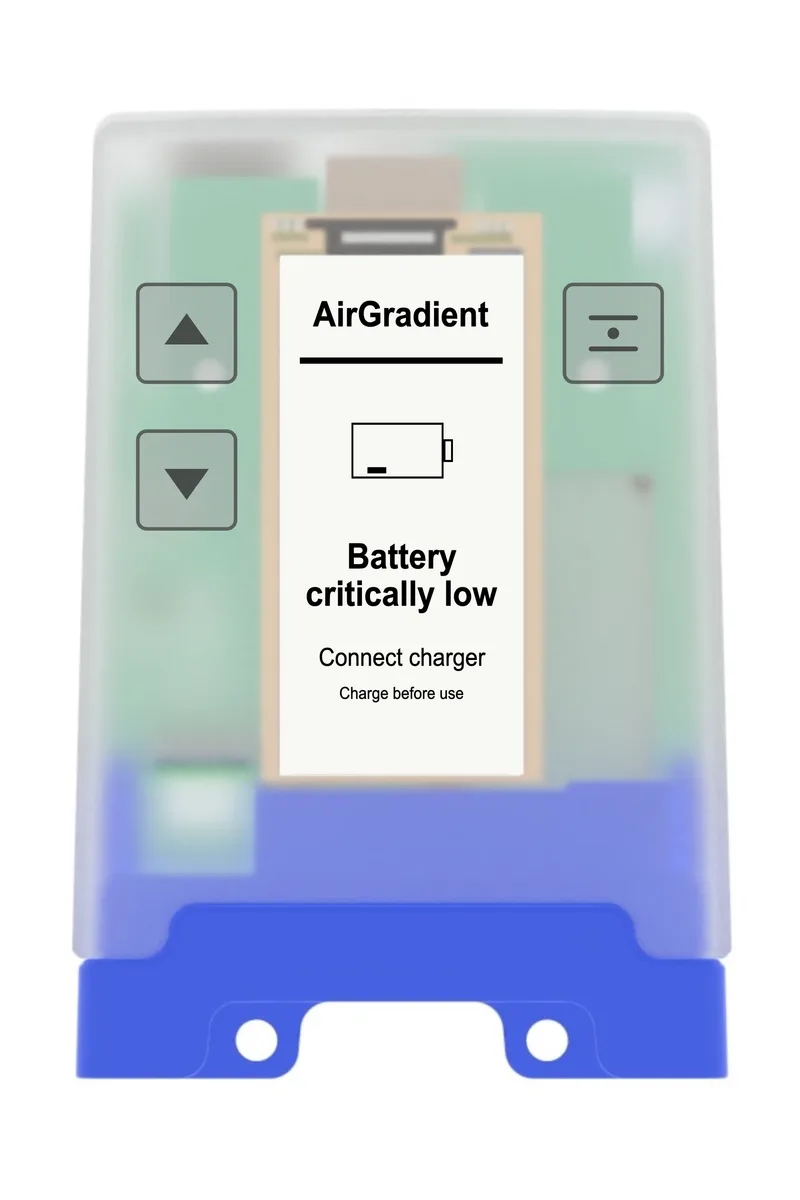
Before shutdown, the monitor will show a warning on the display.
Battery protection behavior
AirGradient Go can pause charging, stop charging, or request shutdown to protect the battery in high-temperature conditions. It will also display a warning on the screen.
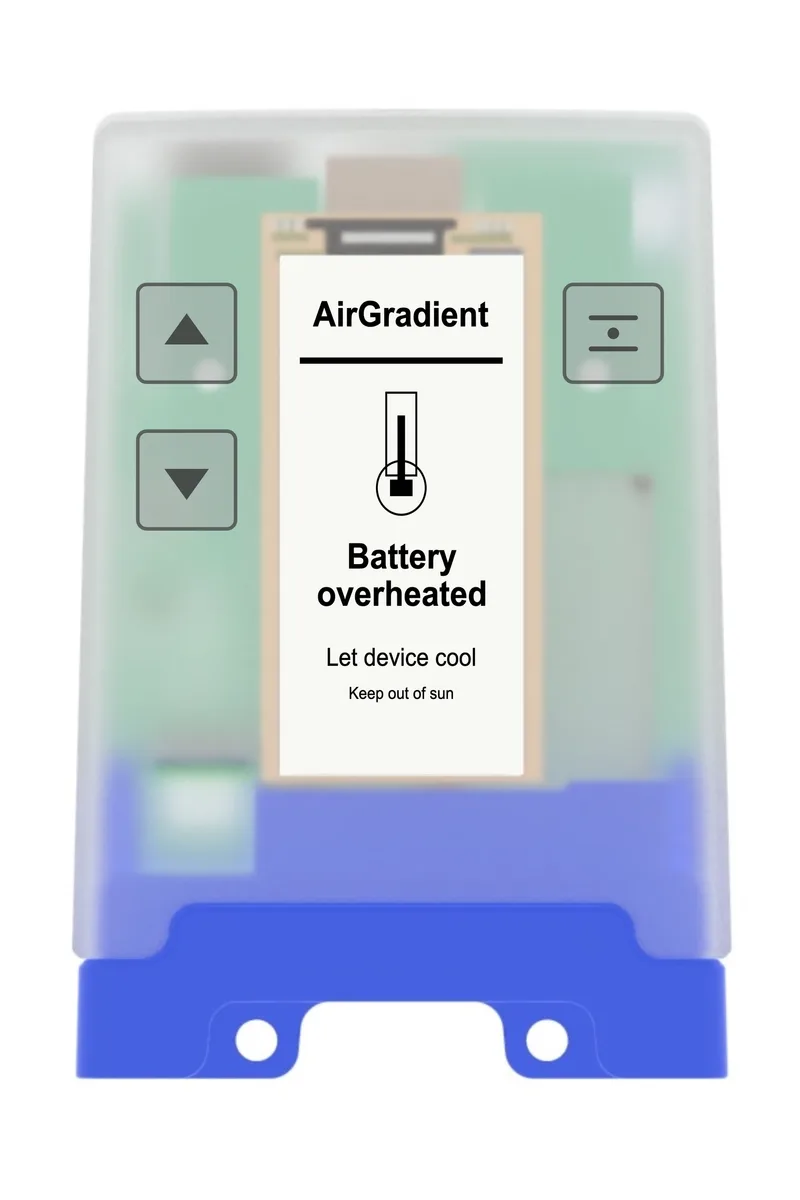
Let it cool down, confirm that the USB-C cable and power source are working, and try again.
Questions or feedback?
If anything on this page is unclear, or if you have suggestions for how we can improve this guide, please leave a comment below.
You can also contact us through our support form here: Contact Support